
Most breaches at small businesses don’t involve a nation-state attacker or a never-before-seen exploit. They exploit the basics: a reused password with no MFA, an unpatched VPN, a staff member reading email on an admin account, or a macro-laced invoice. The good news is that the controls that stop these attacks are well understood, and most of them cost far more in attention than in money.
The Australian Signals Directorate’s Essential Eight is the best-known framework for this. It lists eight mitigation strategies, each with maturity levels. Trying to do all eight at once can feel overwhelming, so here are the five we recommend small businesses tackle first, and why.
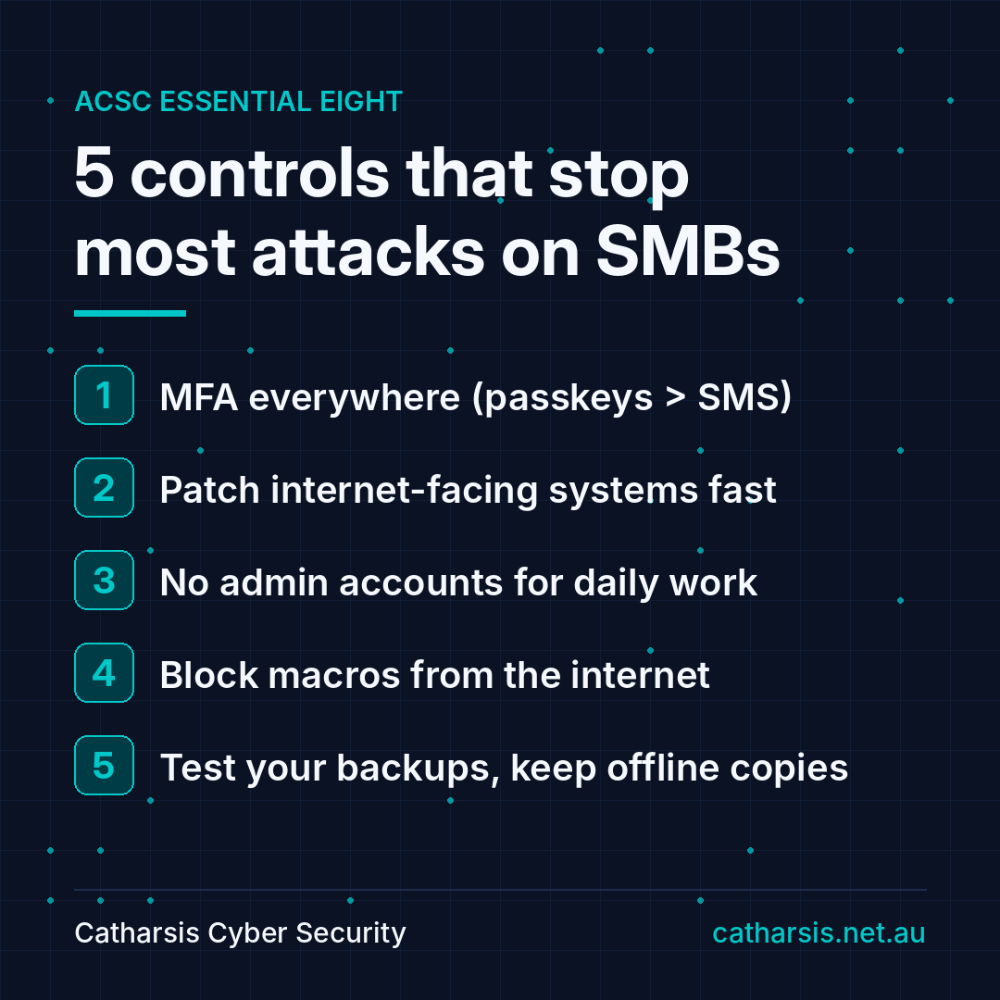
1. Multi-factor authentication (MFA) everywhere
Stolen or guessed passwords are still one of the most common ways attackers get in. MFA means a password alone isn’t enough.
- Start with: email (Microsoft 365 or Google Workspace), VPN and remote access, and every admin portal (firewall, backup console, domain registrar, accounting platform).
- Prefer phishing-resistant MFA: passkeys or FIDO2 security keys. SMS codes and simple push approvals can be phished or abused through “MFA fatigue” attacks.
- Don’t forget service accounts and shared mailboxes, which are often left out.
2. Patch internet-facing systems fast
Firewalls, VPN appliances, remote desktop gateways and other internet-facing systems are the front door. When a critical vulnerability in one of them is announced, attackers often start scanning for it within days.
- Keep an up-to-date list of everything that is exposed to the internet.
- Patch critical vulnerabilities on these systems as a priority, within days rather than at the next monthly cycle.
- Replace devices that are past end-of-life and no longer get security updates.
3. Restrict administrative privileges
If an attacker compromises an account with admin rights, they can do almost anything: disable security tools, steal data or deploy ransomware across the network.
- Give admins separate accounts for admin work, and never use those accounts for email or web browsing.
- Remove local admin rights from everyday user accounts.
- Review who has privileged access regularly, and remove it when people change roles or leave.
4. Lock down Microsoft Office macros
Malicious macros in documents and spreadsheets remain a common way malware gets onto machines, usually through a convincing email attachment.
- Block macros in files that come from the internet.
- Only allow macros where there is a real business need, ideally from trusted locations or signed by a trusted publisher.
- Manage these settings centrally (for example via Intune or Group Policy) so users can’t simply turn them back on.
5. Backups you have actually tested
Backups are your last line of defence against ransomware, accidental deletion and failed hardware, but only if they work when you need them.
- Keep at least one copy that is offline or immutable, so attackers who get into your network can’t delete or encrypt it.
- Back up important data, software and configuration settings, not just files.
- Run a real restore test at least once a year, and time how long it takes. That number is your realistic recovery time.
What about the other three?
The remaining Essential Eight strategies are application control, user application hardening and patching operating systems. They matter just as much over time. Once the five above are in place, they are the natural next steps toward Maturity Level One across the board.
Ownership beats budget
None of these controls require a large budget. What they require is someone who owns them, checks them regularly and fixes gaps when they appear. For many small businesses, that is the hardest part.
At Catharsis Cyber Security, an ISO 27001:2022-certified MSP/MSSP, we run Essential Eight maturity assessments, show you exactly where you stand against each strategy, and help you close the gaps with a practical, prioritised plan. If you are not sure where to start, get in touch.